Office 365 Menu Update
March 9, 2018

March 9, 2018
Microsoft has made some recent changes to Wright State’s Office 365 environment, specifically to the Office 365 applications menu, accessible at http://outlook.wright.edu.
When accessing the Office 365 applications menu by clicking on the grid in the top lefthand corner of your email inbox, you will now see this window:
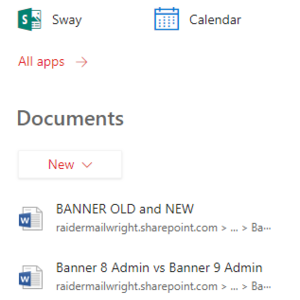
This menu features your most used applications through Office 365. To view all services available to you, click on the All apps link under your list of Apps.
For More Help:
For more information about Wright State’s Office 365 service,visit http://www.wright.edu/office365. You can also contact the CaTS Help Desk at 937-775-4827 or send an email to helpdesk@wright.edu.