
Featured Blog


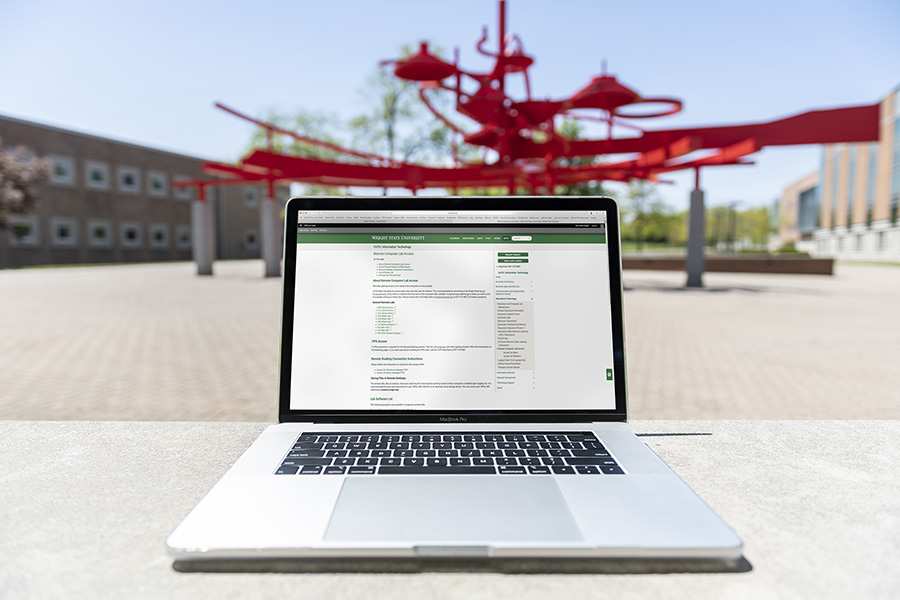
New to Wright State?
Learn how to setup your computing services
Students
- Understand your Wright State accounts
- Change the passwords for your Wright State accounts
- Check your Wright State email through Office 365
- Connect to the wireless network
- Activate your network jack in your Wright State dorm or apartment
Faculty and Staff

Faculty Instructional Technology Services (ITS)

CaTS now offers a variety of support options and workshops covering the different course administration tools available to faculty at Wright State!
Workshops
Browse and register for available workshops covering services like Pilot, Panopto, Webex, and more, or watch previous workshop recordings for on-demand training.
Learn more

All Services A to Z
- Accounts and Passwords
- Antivirus Software
- Banner Admin
- Business Intelligence (Cognos)
- Calendar (Outlook)
- Campus Housing Connectivity
- Cell Phone Service
- Cisco Webex Meeting Center
- Classroom and Computer Lab Maintenance
- Classroom Features and Photos
- Computer Labs
- Curriculog Software
- Electronic Classrooms
- Email (Outlook)
- Email Security
- Encryption
- Equipment Checkout and Delivery
- Forms
- General Classroom Information
- In-Person/Remote Video Learning Classrooms
- Interactive Video Distance Learning (IVDL) Classrooms
- International Laptop Travel Kit
- Laptop Check-Out (Laptops2Go)
- Microsoft Forms
- Microsoft 365 Desktop Applications
- Microsoft Teams
- Multimedia Services
- Microsoft 365 Groups
- Microsoft 365 Online Communities
- Microsoft 365 Overview
- Microsoft Delve
- Microsoft Sway
- OneDrive for Business
- Online Course Evaluations
- Panopto Lecture Capture
- PCI Users Workstation Information
- Personal Hardware Purchases
- Personal Software
- Phone and Voicemail
- Pilot Help for Faculty
- Print Drivers
- Printing (PrintWright)
- Printing Services
- Remote Computer Lab Access
- Report a Security Incident
- Scanning of Exams and Evaluations
- Secure File Sharing (ProofPoint SecureShare)
- Security, Information Technology
- Server Registration
- SharePoint Sites
- Two-Factor Authentication
- University Hardware Purchases
- University Software
- Video Technology Services
- Virtual Desktop Infrastructure (VDI)
- Virtual Labs
- Virtual Private Network (VPN)
- WINGS and WINGS Express
- WINGS Announcement
- Wireless Connectivity
- Workshops
- Wright State Mobile App
- Xtender

